Geospatial Data Uploads
Geospatial data allows researchers to analyze health information with a location component- from mapping disease outbreak to understanding healthcare access across different regions. The CEMA warehouse supports various geospatial data formarts to help ypu visualize and analyze location-based health data across Kenya.
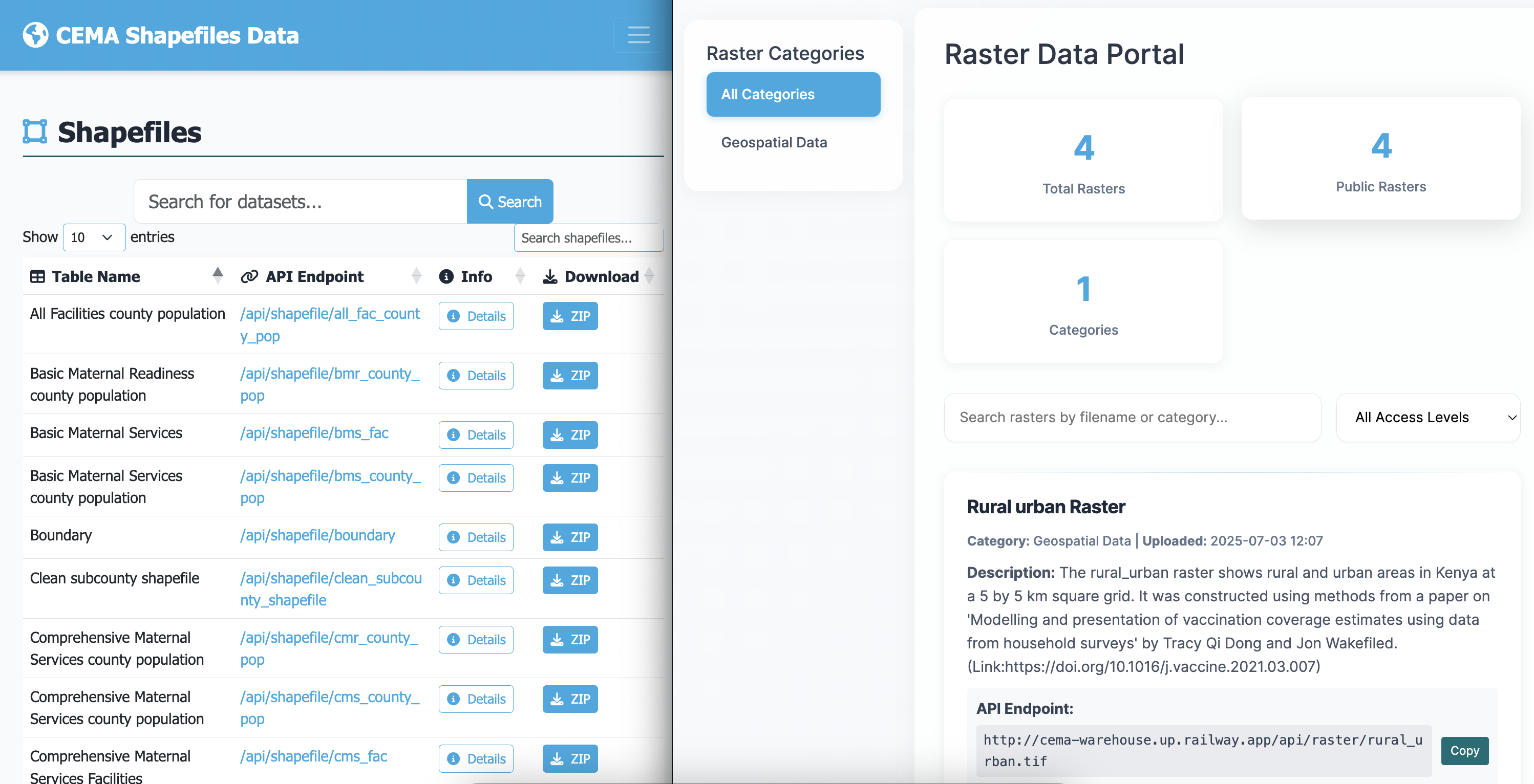
The GIS section (accessible from the top navigation) is a separate catalogue for spatial data.
What you can upload
Types of GIS data
| Type | What it is | File format |
|---|---|---|
| Shapefile | Vector data - boundaries, points, lines (e.g. subcounty boundaries) | .zip containing .shp, .shx, .dbf, .prj |
| Raster | Grid data - satellite imagery, elevation, climate (e.g. rainfall maps) | .tif / .tiff |
Vector Data (Shapefiles)
- Health facility locations - hospitals, clinics, community health units
- Administrative boundaries - counties, wards, health zones
- Disease outbreak areas - affected regions during epidemics
- Transportation networks - roads affecting healthcare access
Raster Data (Grid/Image Data)
- Population density maps - showing where people live
- Environmental data - rainfall, temperature, elevation
- Disease risk maps - malaria risk zones, habitat suitability maps, pollution levels
- Land use patterns - urban/rural classification
Uploading GIS data
-
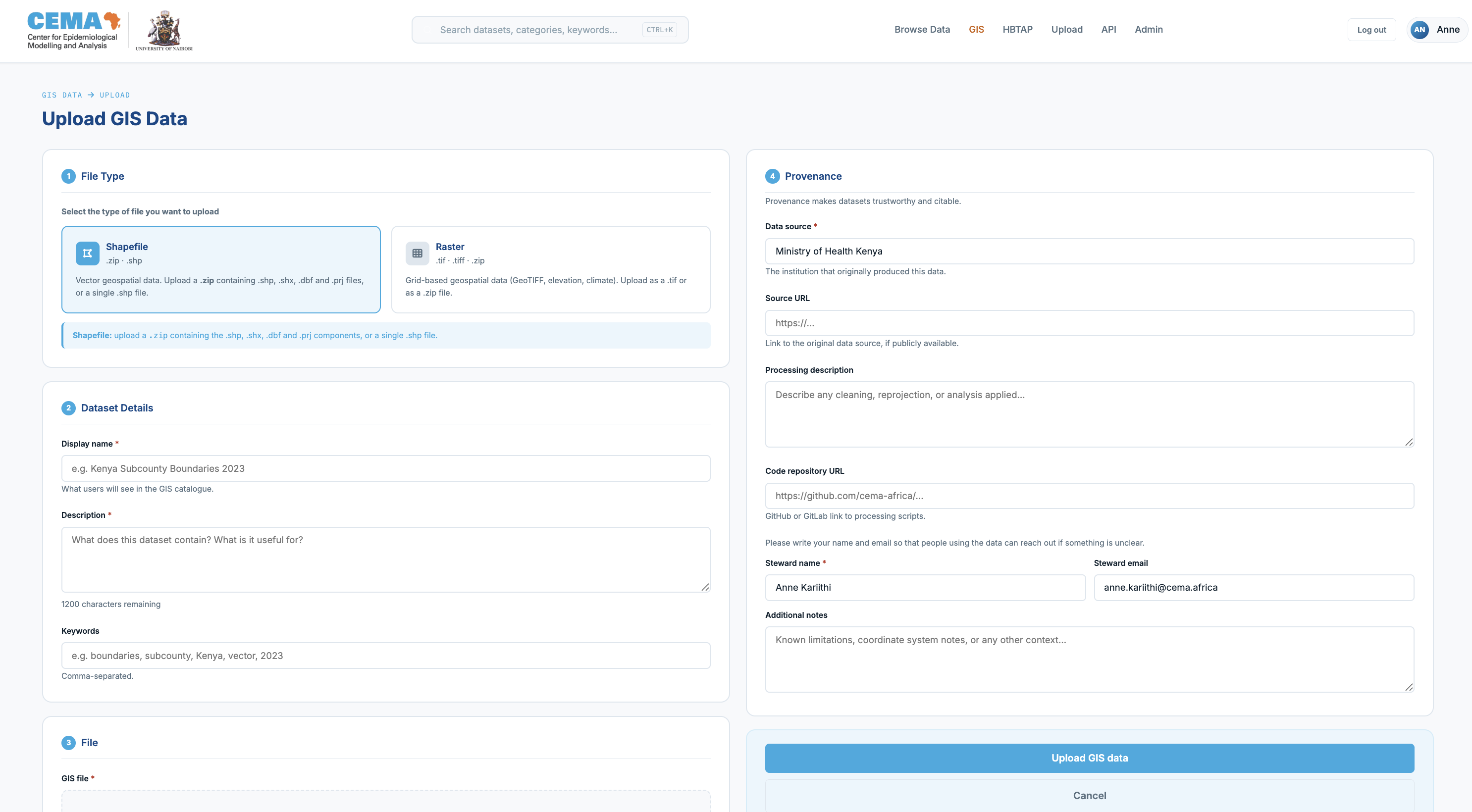
Go to GIS in the navigation, then click Upload GIS data.
-
Select whether you are uploading a Shapefile or a Raster.
- For shapefiles:
Your file MUST be a ZIP archive containing at minimum
.shp,.shx, and.dbffiles (all with the same base name). The.prjfile is strongly recommended since without it the coordinate system may be assumed incorrectly.
📁 Required Files:
  ├── dataset.shp    (main shapefile)
  ├── dataset.dbf    (attribute database)
  ├── dataset.shx    (shape index)
  └── dataset.prj    (projection info)
After upload, shapefiles are immediately available for map preview via the interactive viewer.
Viewing a shapefile
Click any shapefile in the GIS catalogue to open its detail page. The map preview tab will load an interactive map. You can:
- Hover over any feature to see its attributes (name, ID, etc.)
- Scroll to zoom in and out
- Click Reset view to return to the default zoom level
- Switch to the Attribute Table tab to see the data in table form
Downloading a shapefile
Three download options are available:
| Option | What you get | Open with |
|---|---|---|
| Shapefile (.zip) | The original shapefile components | QGIS, ArcGIS |
| GeoJSON | A web-friendly format | Python (geopandas), R (sf), any GIS tool |
| Attributes CSV | The data table only, without the geometry | Excel, pandas, R |
For Raster files, you will see the download raster button, and can download it from there. There is no preview available for these.
Supported File Formats
| Format | Extension | Best For | Notes |
|---|---|---|---|
| Shapefile | .shp, .dbf, .shx, .prj | Boundaries, points, lines | Most common, upload as zip |
| GeoTIFF | .tif, .tiff | Satellite imagery, grids | Include coordinate info |
| GeoJSON | .geojson | Web mapping | Lightweight, good for sharing |
Need help? Contact or consult the documentation sections for detailed guidance on specific tasks.